
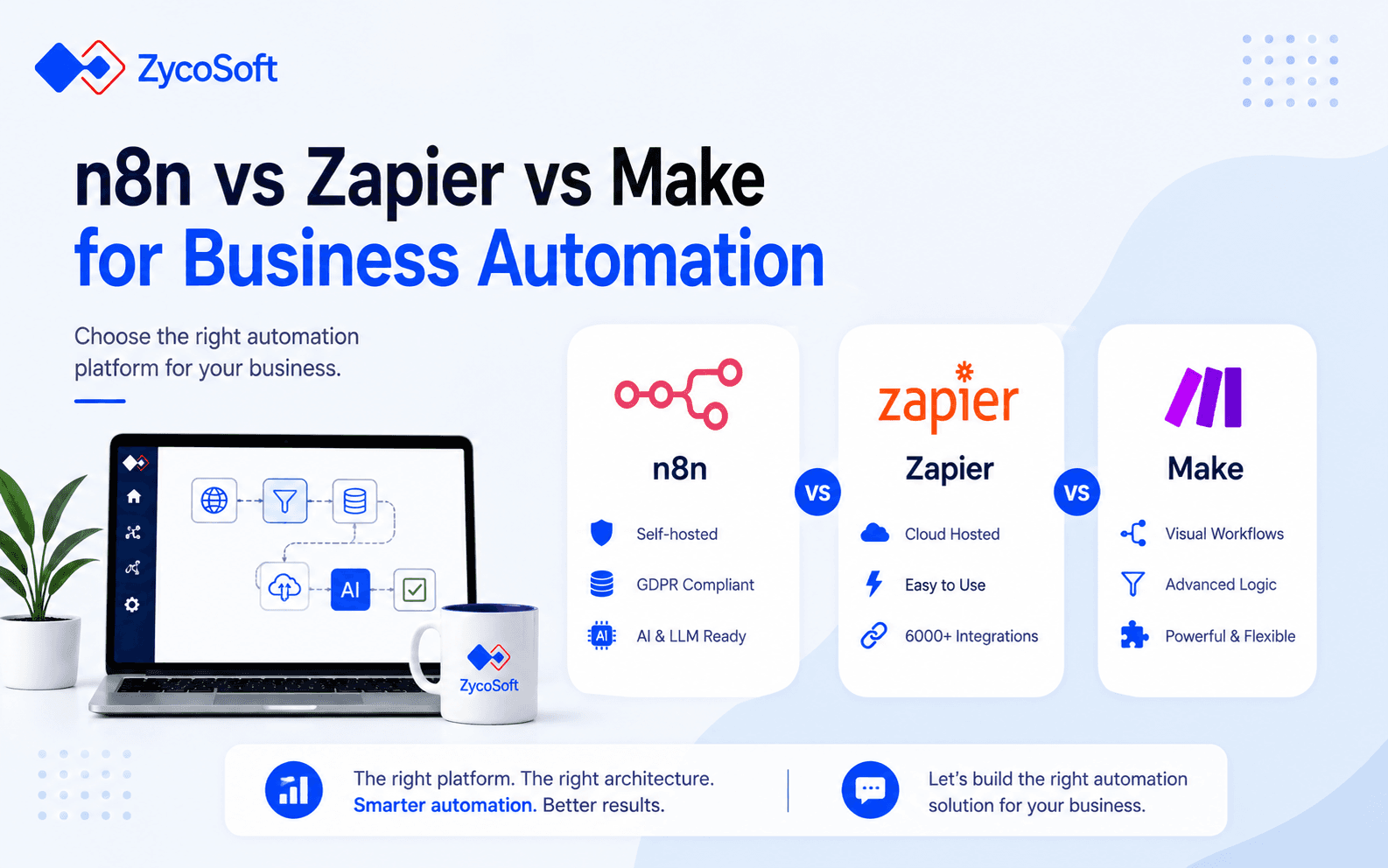
n8n vs Zapier vs Make for Business Process Automation: A Practitioner Comparison
The decision between n8n, Zapier, and Make is not primarily a pricing conversation. It is an architectural one, and making the wrong call at the start costs engineering teams months of rework. The three platforms occupy genuinely different positions on the spectrum from "fast SaaS glue" to "production-grade workflow infrastructure," and the right choice depends on your data residency obligations, workflow complexity ceiling, and whether AI or LLM integration is on your roadmap.
This comparison is written for engineering leads and technical founders who need to make a defensible platform decision, not for teams looking for the cheapest way to connect two apps.
What Each Platform Actually Is (And Is Not)
Zapier is a cloud-hosted, trigger-action automation platform built for maximum accessibility. Its core design assumption is that a non-engineer should be able to connect two SaaS products in under ten minutes. That constraint shapes everything, from its linear workflow model to its execution limits. It is excellent at what it was designed for, and consistently disappointing when pushed beyond it.
Make (formerly Integromat) sits in the middle. It retains a visual, no-code interface but introduces genuine branching logic, iterators, and data transformation capabilities that Zapier cannot match. It is still cloud-hosted, still subject to third-party data routing, but it pushes the complexity ceiling meaningfully higher than Zapier for operations teams who need conditional routing across multiple paths.
n8n is a different category of tool. It is open-source, self-hostable, and built with engineers as the primary audience. Workflows are called nodes, custom JavaScript or Python can execute at any step, and native integrations with LLMs, vector stores, and AI agent frameworks make it the only one of the three that is genuinely fit for production AI automation. The trade-off is operational overhead: someone on your team needs to run it.
Where Zapier Fits and Where It Breaks
Zapier is the right answer for a narrow but common set of use cases: fast-moving teams that need reliable SaaS-to-SaaS integration without allocating engineering resource. If you are connecting Salesforce to Slack, syncing HubSpot contacts to a spreadsheet, or routing form submissions to a CRM, Zapier delivers that with almost no setup friction and a massive library of pre-built connectors (over 6,000 at the time of writing).
The platform starts to break down in three specific scenarios:
- Volume scale: Zapier's task-based pricing means costs grow non-linearly as workflow complexity increases. A workflow with five steps consumes five tasks per execution. At 20,000 to 50,000 executions per month for moderately complex workflows, the bill can exceed what a self-hosted n8n deployment would cost by an order of magnitude.
- Execution complexity: Zapier enforces per-step execution time limits and has no native support for loops over large datasets, long-running processes, or stateful workflows. Workarounds exist but they are fragile and accumulate technical debt quickly.
- AI integration: Zapier has added OpenAI connectivity, but it is limited to single-step, stateless LLM calls. Anything resembling a retrieval-augmented generation (RAG) pipeline, an agentic loop, or multi-model orchestration is not achievable within Zapier's current architecture without stitching in external services that undermine the simplicity argument entirely.
For US-based teams where data residency is not a primary concern and workflows stay simple, Zapier remains a pragmatic choice at low to medium scale. For UK and EU operators handling personal data, the fact that Zapier routes all workflow data through US-based cloud infrastructure creates a GDPR compliance obligation that requires Standard Contractual Clauses and additional due diligence.
When Make Earns Its Place
Make is the most underrated of the three for mid-complexity operational workflows. Its visual canvas handles branching logic, conditional routing, array iteration, and data transformation in a way that Zapier's linear editor simply cannot replicate without convoluted workarounds.
A practical example: a UAE-based logistics operator routing incoming order webhooks through conditional paths based on order value, destination region, and product category, then transforming and posting to three different downstream APIs, can model that entire flow visually in Make. Attempting the same in Zapier requires multiple separate Zaps with filter steps and significant duplication.
Make also handles error paths explicitly, with the ability to route failed executions through alternative branches rather than simply stopping. For operational workflows where partial failures need graceful handling, this matters.
The caveats are real, though. Make is still cloud-hosted, so data residency concerns apply in the same way they do for Zapier. Its pricing is operation-based rather than task-based, which changes the cost calculation but does not eliminate it. And like Zapier, Make has no meaningful path to production LLM orchestration without bolting on external infrastructure that sits outside its visual model entirely.
Why n8n Is the Correct Choice for AI-Integrated and GDPR-Sensitive Workflows
For teams building LLM-driven back-office pipelines or any workflow that touches personal data in the UK or EU, n8n self-hosted is the technically defensible answer. When deployed on your own infrastructure within the EEA or UK, workflow data never leaves your environment. There is no third-party cloud processing it. GDPR compliance becomes an infrastructure question rather than a contractual negotiation with a US SaaS vendor.
The AI integration story is categorically stronger. n8n ships native AI agent nodes, LangChain integration, and support for connecting to any LLM API including OpenAI, Anthropic, Google Gemini, and local models via Ollama. A RAG pipeline in n8n looks like this at a high level:
1. Trigger node (webhook or schedule) receives document or query input.
2. HTTP Request node calls an embedding API to vectorise the input.
3. Pinecone or Qdrant node performs a similarity search against the vector store.
4. LLM node receives the retrieved context and the original query, returns a structured response.
5. Output node posts the result to Slack, a database, or a downstream API.
Every step of that pipeline runs on your infrastructure, with full logging, error handling, and retry logic. No equivalent exists in Zapier or Make without treating n8n itself as the middleware.
The operational cost of self-hosting is real but manageable. A standard production deployment uses Docker Compose with PostgreSQL for workflow state persistence, Nginx as a reverse proxy for HTTPS termination, and optionally a queue mode configuration for high-throughput workloads. For any engineering team already running containerised workloads, the overhead is modest. For teams without DevOps capability, the cloud-hosted n8n offering (n8n.cloud) provides a middle path with reduced data residency guarantees.
A Decision Framework: How to Choose Between the Three
The right platform follows directly from a short set of architectural questions. Work through these in order:
- Data residency and GDPR: If your workflows process personal data for UK or EU data subjects, and you need to demonstrate that data does not leave EEA/UK infrastructure, n8n self-hosted is the only option of the three that satisfies this cleanly.
- AI and LLM integration: If your automation roadmap includes RAG pipelines, agentic workflows, or any multi-step LLM orchestration, n8n is the only platform with the native tooling to support this at production grade.
- Workflow complexity: If your workflows involve multi-branch conditional logic, array iteration, or stateful multi-step processes, eliminate Zapier. Evaluate Make if cloud-hosted is acceptable; evaluate n8n if it is not.
- Engineering resource: If you have no DevOps or engineering capacity to maintain infrastructure, Zapier or Make.cloud are more pragmatic. Accept the trade-offs on data residency and complexity ceiling explicitly.
- Volume and cost: At above roughly 50,000 complex workflow executions per month, model the cost of Zapier and Make against a self-hosted n8n deployment. The crossover point where n8n becomes cheaper is often earlier than teams expect.
If the answer to questions 1 or 2 is yes, the decision is effectively made. n8n wins on architectural grounds before price or convenience enters the calculation. As covered in our post on where AI automation actually saves time, the tools that deliver sustained ROI are the ones sized correctly for the complexity of the workflow, not the ones with the shortest time to first Zap.
How ZycoSoft Approaches Automation Platform Decisions :
When clients come to us evaluating automation platforms, the conversation almost always starts in the wrong place: comparing feature matrices or monthly prices. The questions that actually drive the right decision are about data architecture, regulatory exposure, and where the workflow complexity ceiling will sit in 18 months, not today.
Our AI Automation service delivers end-to-end workflow automation using LLMs, n8n, and custom AI pipelines. In practice, that means we architect and build production deployments of n8n on client-controlled infrastructure, design RAG and agentic workflows that integrate with existing ERP, CRM, and commerce systems, and handle the full implementation including Stripe, Mollie, or Razorpay payment event processing where financial workflows are involved.
We have deployed GDPR-compliant n8n pipelines for clients in the UK, Germany, and Austria where data residency was a hard requirement from legal teams, and AI-integrated workflow systems for US and UAE clients where the priority was LLM orchestration at volume without the cost ceiling of cloud-hosted platforms. The common thread is that we scope these engagements to avoid the two failure modes we see most often: over-engineering a workflow that should be a simple Make scenario, and under-architecting a pipeline that will hit Zapier's ceiling within six months.
If your team is evaluating the ROI of moving from manual back-office workflows to automated pipelines, the platform choice is one of the first architectural decisions to get right. Getting it wrong is recoverable, but it is expensive in both time and re-implementation cost.
If you are at the point of making this decision and want a direct technical conversation about which platform fits your specific workflow requirements, data residency obligations, and AI roadmap, speak to our team. We will tell you which tool fits, and just as importantly, which one does not.
Frequently Asked Questions
Zapier is a purely cloud-hosted, linear trigger-action platform optimised for simplicity. Make adds visual branching and more complex multi-step logic, still cloud-hosted. n8n is open-source and can be fully self-hosted, giving engineering teams control over data residency, execution environment, and deep LLM or API integration. The architectural gap widens significantly once workflows move beyond simple two-app connections.
When self-hosted on infrastructure within the EEA or UK, n8n processes no data on third-party cloud servers, making GDPR compliance substantially easier to demonstrate. Zapier and Make route workflow data through US-based cloud infrastructure by default, which requires additional legal mechanisms such as Standard Contractual Clauses. For businesses handling personal data, n8n self-hosted is the more defensible architectural choice.
Zapier has added basic OpenAI integration via its AI actions feature, but it is limited to single-step, stateless LLM calls. It cannot natively orchestrate multi-step agentic loops, retrieval-augmented generation pipelines, or dynamic tool selection. For production AI automation with LLMs, n8n's native AI agent nodes and LangChain integration provide significantly more control and composability than Zapier's current offering.
Make is the stronger choice when workflows require conditional branching across more than two paths, data transformation between steps, or iterating over arrays and nested data structures. Its visual canvas makes multi-branch logic easier to reason about than Zapier's linear editor. For operations teams who need moderate complexity without engineering overhead, Make typically extends the useful ceiling before a team needs to consider self-hosted tooling like n8n.
Zapier's pricing is task-based, meaning every action in every workflow consumes a task count. At enterprise scale, costs scale non-linearly as workflow complexity grows. More critically, Zapier has execution time limits per step, no native support for long-running processes, limited error handling and retry logic, and no ability to run custom code at production grade without external services. These constraints become blockers at around 50,000 to 100,000 tasks per month for complex workflows.
Self-hosting n8n requires a Linux server or container environment, a PostgreSQL database for persistence, and a reverse proxy such as Nginx for HTTPS. A production-ready deployment typically takes one to two days for an engineer familiar with Docker and cloud infrastructure. n8n publishes official Docker Compose and Kubernetes configurations. Ongoing maintenance is comparable to any Node.js application. It is not trivial for non-technical teams, but straightforward for any team with DevOps capability.